Week 4: A Fresh Coat of Paint
This week was all about bringing the new look to the rest of Stitch. Profiles, date polls, sign-up and the invite screens all got a refresh, along with plenty of small fixes that make everything feel smoother.
01 Profiles worth a look
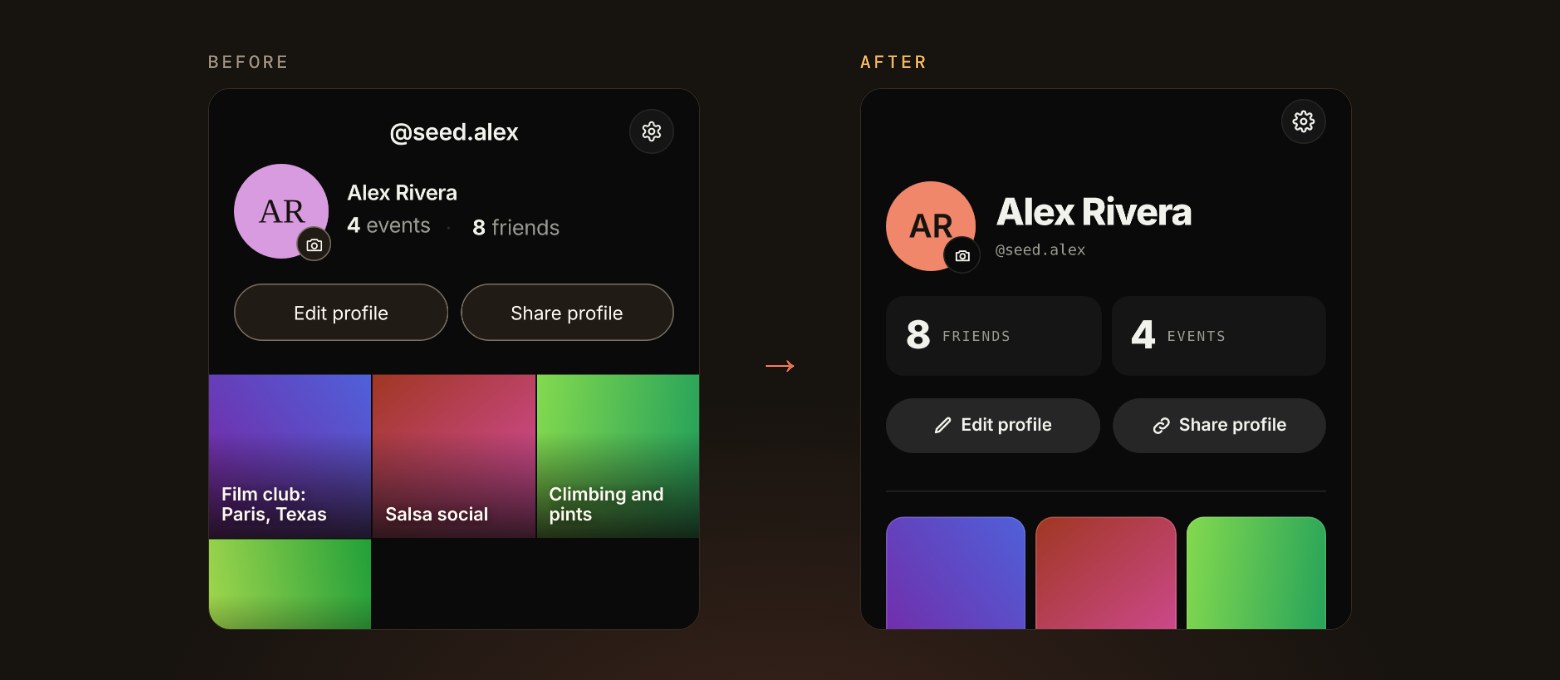
- Your profile now shows how many friends and events you have, with a scrolling grid of the events you’ve been to.
- Other people’s profiles share the same layout, with a friend button and a way to report someone if you need to.
- Anyone you’ve blocked is now listed in Settings, so you can see and manage them in one place.
02 Picking a date together
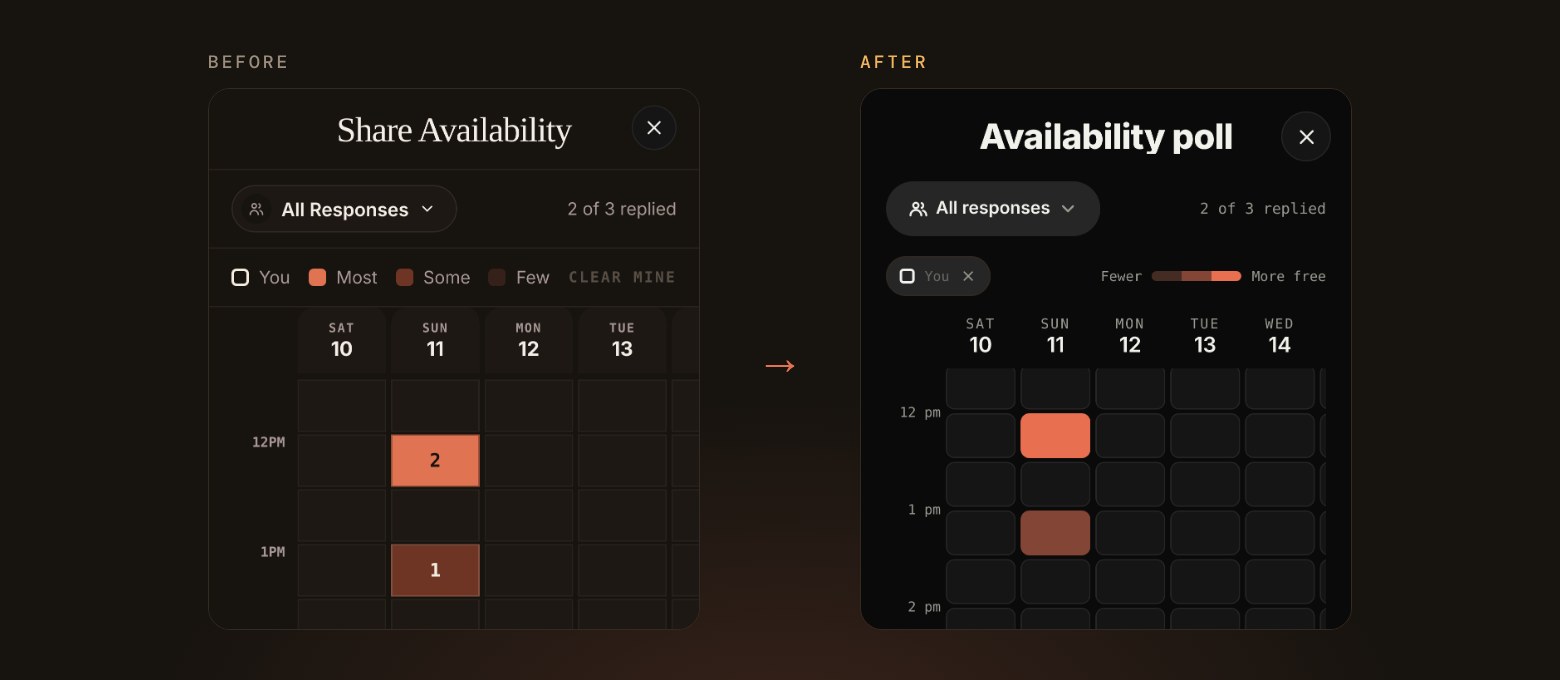
- Date polls now live on one page, with a simple switch between sharing your availability and voting on set times.
- Once you’ve voted, you can see how everyone else answered.
- Back and close now work the same way on every poll and event form screen.
03 Creating events and inviting friends
- Places you’ve used recently show up as soon as you tap the location field.
- You can tap Create at any time, and it takes you straight to anything still missing, with a note on what’s needed.
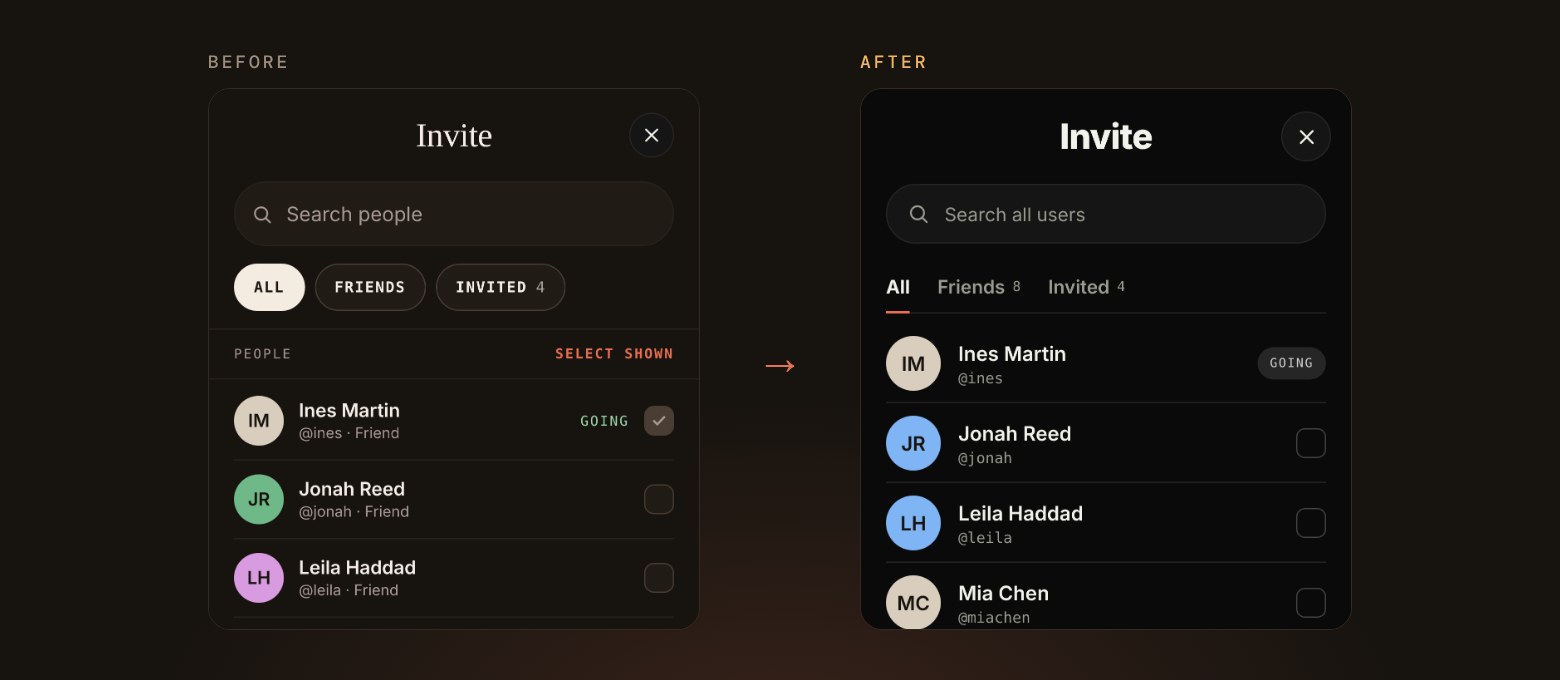
- Inviting friends and adding co-hosts have a cleaner layout, with each guest’s reply shown next to their name.
04 A friendlier sign-up
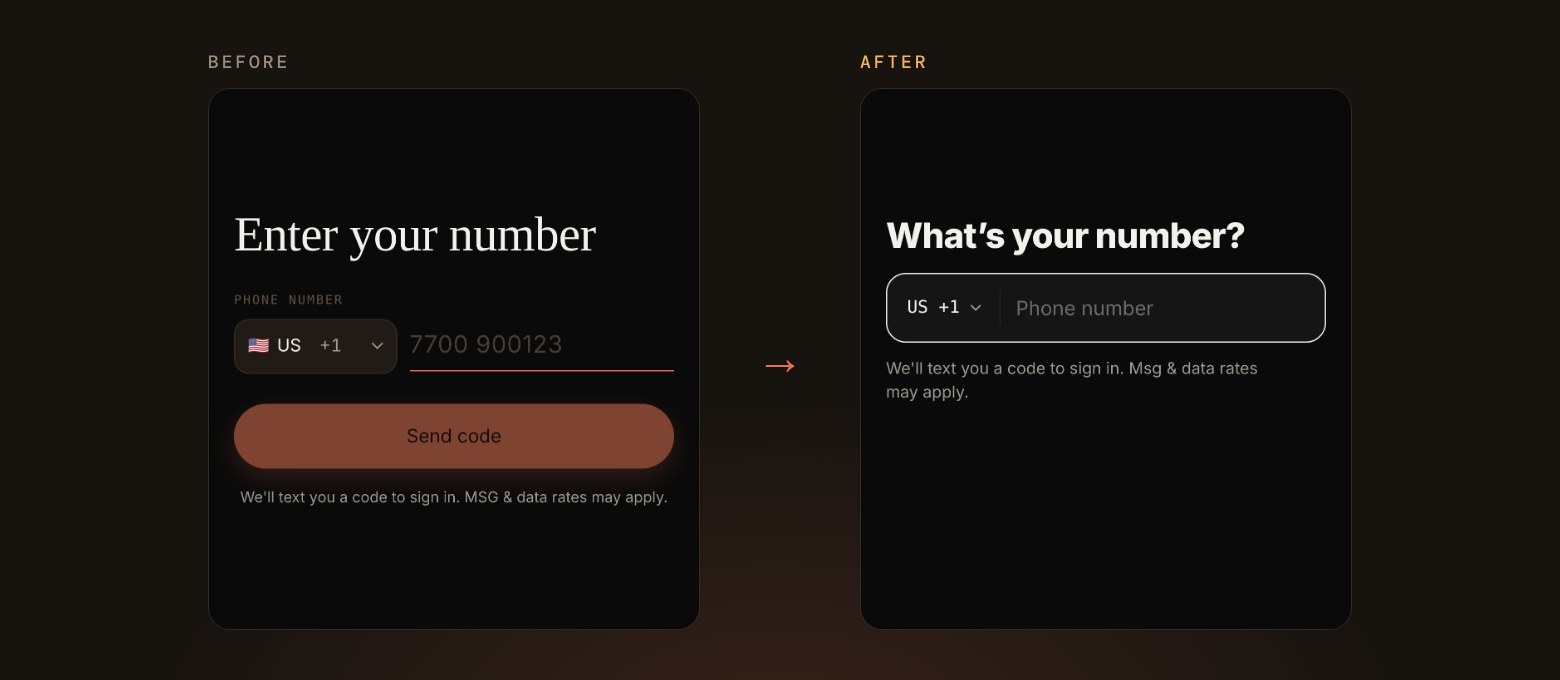
- Signing up has a fresh look, from the first screen through to choosing your country and creating your account.
- If you sign up from an invite, you land back on that event, ready to reply.
- Changing your phone number is now a clear step-by-step flow.
05 More control for hosts
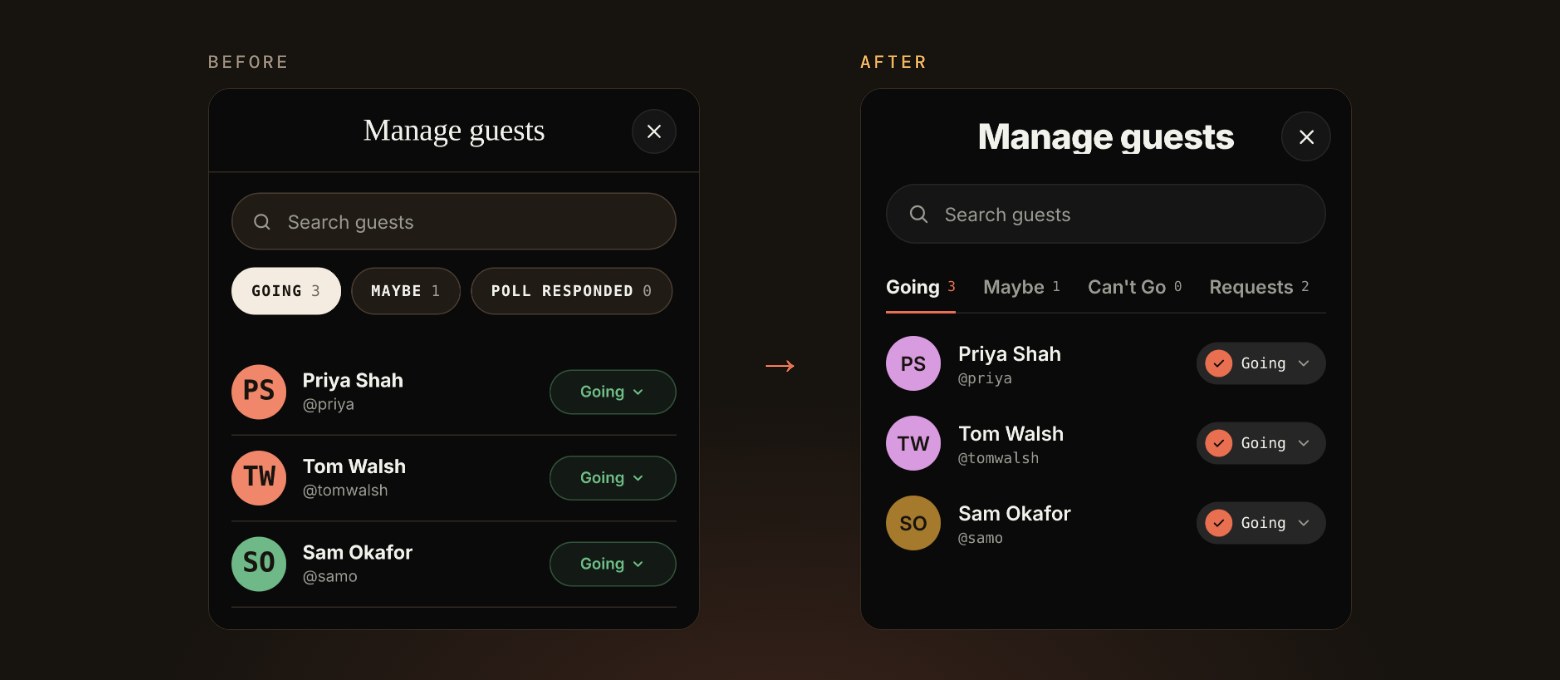
- Requests to join your event now have their own Requests tab, and leave the list once you’ve decided.
- You can change any guest’s reply from a dropdown in Manage guests.
- Hosts no longer show up in their own guest list or count.
06 What we’re working on next
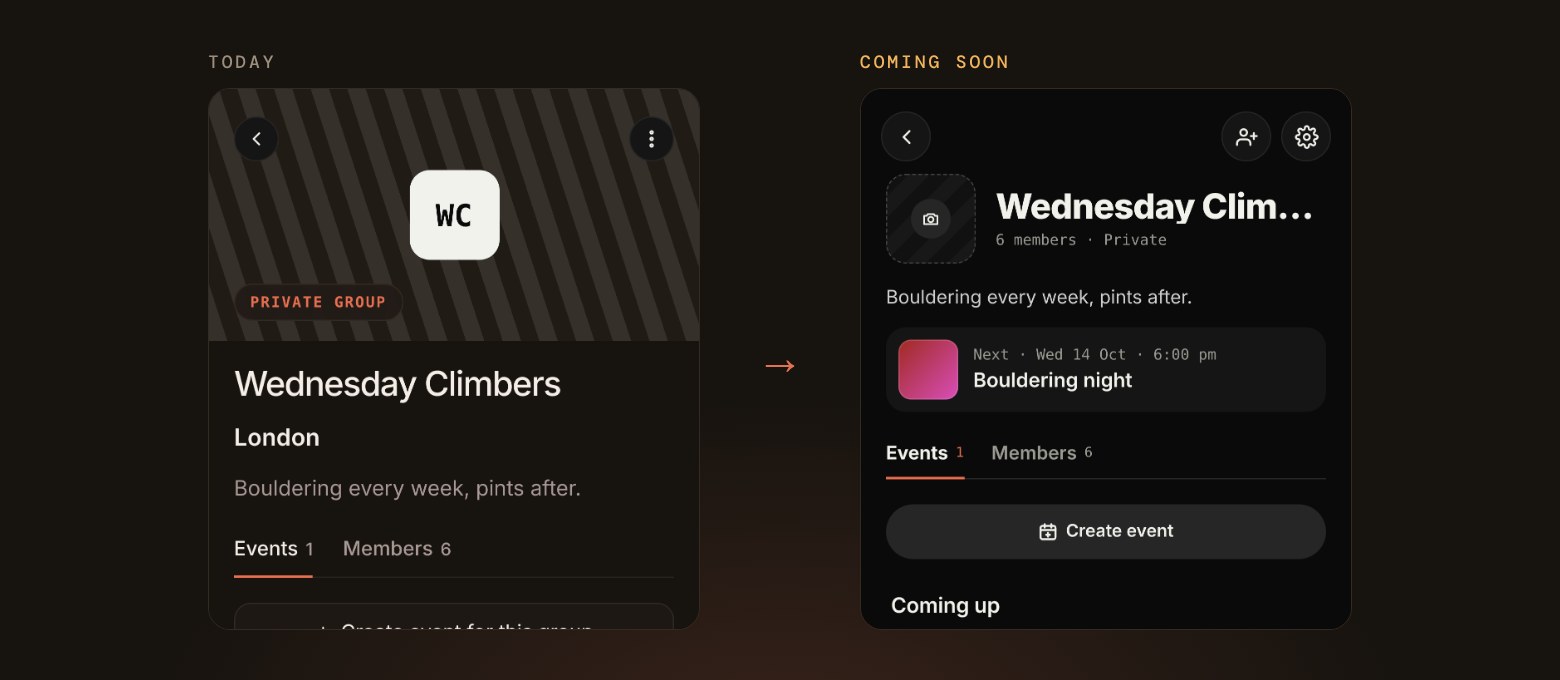
- A redesigned Groups section, with each group’s next event up top and easier ways to invite people.
- Notifications for group invites and requests to join a group.
- Photos and GIFs in event comments, and ways for hosts to share promo photos and for guests to share their photos after the event.